
Energy use
Draft · editorial review needed
How to read solar generation data from a meter or app
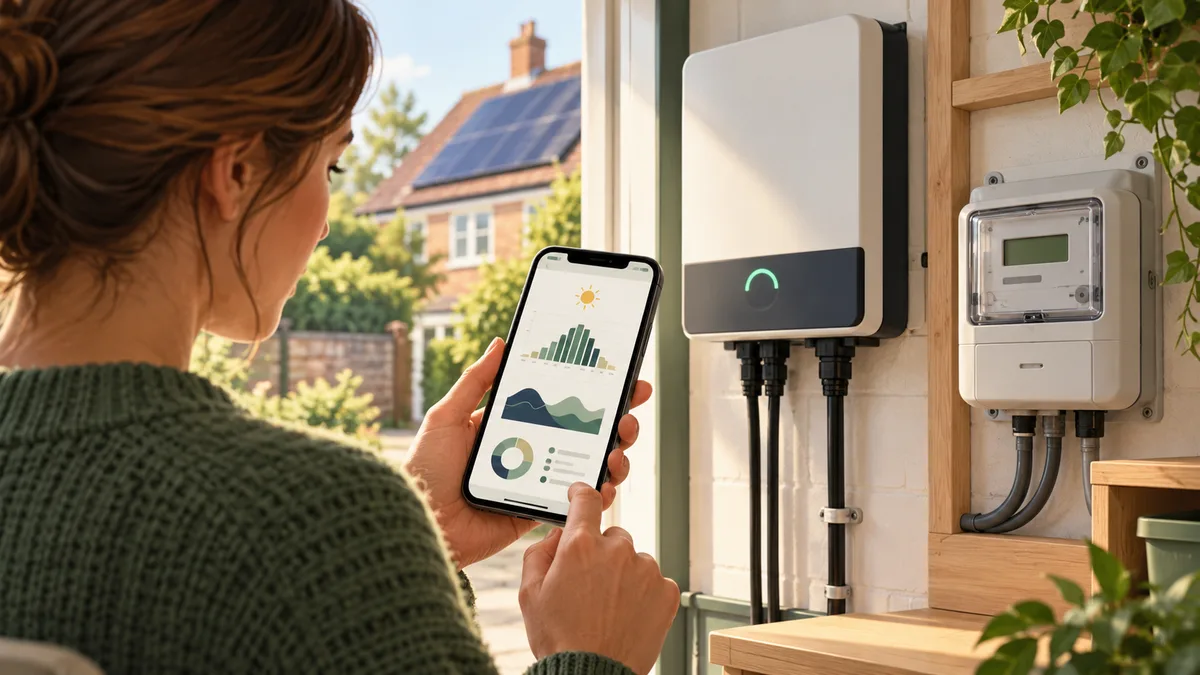
Learn to distinguish power from energy, check time periods and interpret generation alongside home consumption and export.
The short answer
Quick answer
First check the unit and time period: watts or kilowatts show power at a moment, while kWh is energy accumulated over time. Then compare generation with household use and export data, ensuring readings refer to the same period and meter point.
Check units, intervals and device names
A live display may show W or kW, while a daily total may show kWh. Confirm whether a chart is showing current output, energy generated, household consumption, battery charge or grid import/export.
Check the timestamp, time zone and reporting interval. App estimates and utility meter readings may update at different times or use different measurement points.
Compare like with like
Use matching periods when comparing generation and electricity use. A generation meter does not necessarily show how much solar the home used directly or exported; check which sensor or meter provides each value.
Keep readings with notes about weather, season and system changes. If a value looks implausible or a device reports a fault, follow the supplier’s troubleshooting guidance and do not open electrical equipment.
Quick answers
Common questions
Does a 1 kW reading mean I generated 1 kWh?
Only if that power level were sustained for one hour. A live 1 kW display is a rate at that moment, not a completed energy total.
Does solar generation equal bill savings?
No. Savings depend on how much generated electricity you use, your import tariff, any export payment and the system’s costs.
Further reading
Sources and official guidance
This guide is general information, not an assessment of a specific property or product. Check current official guidance and the manufacturer’s instructions before acting.